Rust Maps: Biomes, Monuments, Seeds and Base
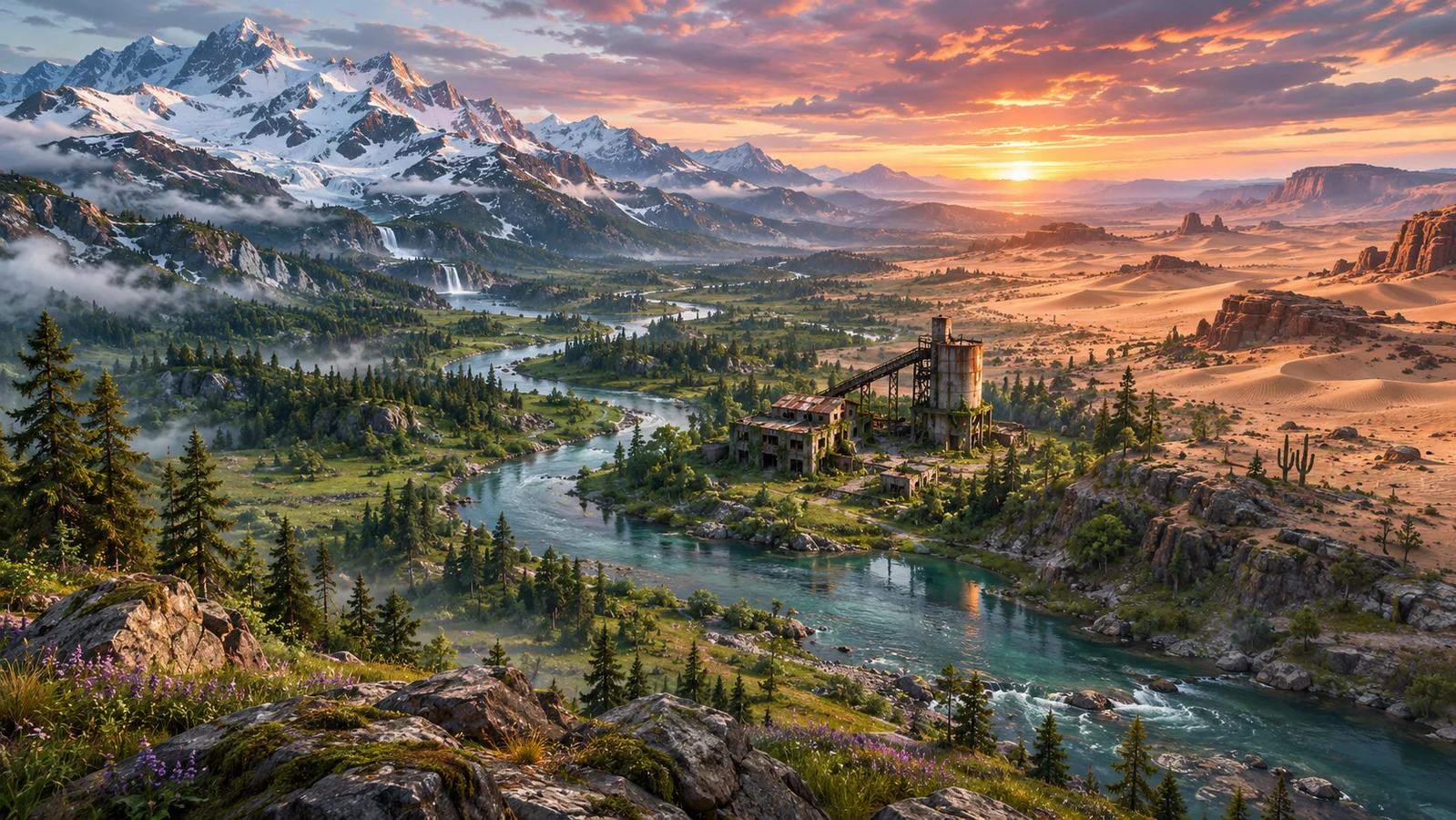
A good Rust wipe can begin with a terrible spawn. You wake up on the beach, open your map, and realize the nearest monument is surrounded by large bases. The snowy mountains are packed with resources, but you barely have enough clothing to survive the cold.
What you do next matters more than it might seem. Your map determines which resources are nearby, how long your loot runs take, and how frequently you encounter other players.
Rust maps are not simply backgrounds for survival. They shape almost every decision you make, from placing your first Sleeping Bag to choosing where to build a fortified compound.
This guide explains how Rust maps work, what separates their biomes, how map seeds affect world generation, and how to find a base location that supports your preferred playstyle.
How Do Rust Maps Work?
Rust uses procedurally generated maps to create different multiplayer environments.
Each map contains a combination of terrain, biomes, roads, monuments, waterways, and building locations. The distribution of these features depends on the map's generation settings.
Most standard servers use procedural maps, although custom maps and other specialized environments are also available.
To view your current map, press G by default.
The in-game map allows you to identify your position, locate monuments, examine roads, and plan routes between important destinations.
Before building your first base, spend a moment studying the surrounding terrain. A few seconds of planning can save you several frustrating trips across the island.
What Are the Different Biomes in Rust?
Rust's biomes influence temperature, vegetation, wildlife, and resource availability.
Each environment presents different survival challenges, and the most suitable location depends on your experience, equipment, and objectives.
Temperate and Forest Areas
Temperate regions provide a familiar starting environment for many Rust players.
Forests offer access to Wood, while nearby fields and rocky terrain can supply additional building materials.
These areas are useful when establishing a starter base because they offer a relatively manageable environment for early gathering.
However, their accessibility can also attract other players.
Building directly beside a busy road or popular monument may lead to frequent encounters, even when the surrounding forest looks peaceful.
Desert Biome
The desert offers a noticeably different environment, with exposed terrain and fewer opportunities to hide behind dense vegetation.
High daytime temperatures can become a concern, while the open landscape may make distant players easier to spot.
Desert regions can contain valuable resources and important monuments, but gathering in open areas requires greater awareness of your surroundings.
Before settling there, consider your access to water, food, and suitable routes back to your base.
Snow Biome
Snowy regions are associated with harsh temperatures and mountainous terrain.
They can provide attractive resource-gathering opportunities, particularly for players who need substantial quantities of ore.
The main challenge is surviving the cold while maintaining enough equipment to defend yourself.
For a new player wearing basic clothing, a remote snow base can become an unnecessary struggle.
Prepare appropriate clothing, heating options, and a reliable food supply before moving into colder territory.
Jungle Biome
Facepunch introduced the Jungle biome in May 2025, adding dense vegetation, new wildlife, and additional exploration opportunities.
The jungle features climbable trees, interactive vines, and dangerous animals, including tigers and crocodiles.
Its thick vegetation changes how players navigate and observe their surroundings.
Unlike an open desert, a jungle can conceal nearby movement. That creates opportunities for ambushes while making it harder to spot potential threats.
The biome also features distinctive locations, including the Jungle Ziggurat and smaller ancient ruins.
For players who enjoy exploration and unconventional base locations, the jungle introduces a different approach to surviving the island.
Coastal Areas and the Deep Sea
The coastline provides access to maritime activities, underwater exploration, and offshore monuments.
Rust's February 2026 Naval Update expanded this part of the game with player-built boats, the Deep Sea, and tropical islands.
These additions create opportunities for players interested in maritime exploration and gathering resources away from the main island.
However, coastal living also requires planning around transportation, access to fuel, and the possibility of encountering hostile players or NPCs at sea.
What Are Rust Monuments?
Monuments are recognizable locations scattered throughout Rust's world.
They provide access to loot, components, Scrap, trading opportunities, and other gameplay activities.
Some monuments are relatively accessible, while others contain environmental hazards, hostile NPCs, or valuable loot that attracts heavily equipped players.
Knowing which monuments are nearby can help you establish a more efficient progression route.
Smaller Monuments for Early Progression
Locations such as the Gas Station, Supermarket, and Lighthouse can provide useful supplies during the early stages of a wipe.
These areas may contain loot containers and opportunities to gather components.
They are practical destinations when you are beginning to collect Scrap and prepare for your first workbench.
However, even a small monument can become dangerous if other players are competing for its loot.
Larger Monuments and Valuable Loot
Major locations such as Launch Site, Airfield, and Water Treatment Plant offer different opportunities for progression.
Some areas require keycards, electrical fuses, or other preparation to access particular loot rooms.
Radiation and hostile NPCs may also affect which routes are safe to take.
Before attempting a difficult monument, check its requirements and prepare equipment appropriate for the risks involved.
Safe Zone Monuments
Outpost and other designated safe zones provide access to useful services, including trading and other interactions.
These locations can become important stops during resource-gathering trips.
However, safe zones have specific rules, and hostile actions can trigger their defenses.
They should not be treated as unrestricted areas where every action is safe.
What Is a Rust Map Seed?
A map seed is a numerical value used when generating a procedural Rust world.
Combined with the world size and map-generation settings, it helps determine the terrain and layout of the resulting map.
For example, a server administrator might configure a procedural map using the following settings:
server.level "Procedural Map"
server.seed 1234
server.worldsize 4000
The seed identifies the generation input, while the world size determines the map's scale.
Changing either setting can produce a different environment.
Seeds are useful when players want to preview possible maps or when administrators are choosing a layout for an upcoming wipe.
However, using the same seed and world size does not guarantee that a map will remain identical across every game version. Updates to procedural generation can change terrain or monument placement.
Custom maps work differently because they use a prepared map file rather than relying entirely on procedural generation.
How to Find Your Rust Server's Map Seed
If you want to inspect a particular server's map, start by checking its description or official community channels.
Some administrators publish their map seed and world size before each wipe.
Others provide a map preview through their website or an external mapping service.
If the information is not publicly available, you can ask the server administrator whether the current map settings are shared.
Remember that a seed alone may not be enough to identify the exact layout. You also need the world size and compatible map-generation version.
How to Choose the Best Base Location in Rust
There is no single base location that works for every player.
A solo survivor looking for a quiet place to gather resources has different priorities from a large clan planning to control a major monument.
Instead of choosing a location based only on appearance, consider how it affects your daily routine.
1. Check Nearby Resources
Your first base needs reliable access to Wood, Stone, and other essential materials.
Look for gathering areas that you can reach without crossing several dangerous locations.
If every resource run requires a long journey through enemy territory, even a well-designed base can become difficult to maintain.
2. Consider Monument Access
Building near roads and smaller monuments can make collecting Scrap and components more convenient.
However, placing your base directly beside a high-traffic monument can also increase the number of players passing through your area.
A useful compromise is to find a location within reasonable traveling distance of your preferred monument without building directly on its main approach.
3. Inspect the Terrain
Look for hills, cliffs, nearby structures, and other features that could affect your base's defenses.
A hill overlooking your entrance may provide another player with a useful observation position.
Likewise, building close to a large neighboring compound can expose you to unwanted attention.
Walk around your intended location before committing valuable construction materials.
4. Check Building Restrictions
Rust does not allow normal base construction everywhere.
Monuments, roads, and other protected areas can restrict building placement.
Nearby Tool Cupboards may also prevent you from constructing a base in your chosen location.
Use a Building Plan to check placement before gathering everything needed for a larger structure.
5. Think About Upkeep
A remote base still needs maintenance.
Your Tool Cupboard consumes resources according to the building materials used in your structure.
If you plan to build a large metal base, consider how easily you can gather enough Metal Fragments to support its upkeep.
A smaller base in a practical location may be easier to maintain than an enormous compound with inconvenient resource access.
Base Location Strategies for Different Players
Your group size and preferred activities should influence where you settle.
Solo Players
Look for an area with accessible resources, manageable travel distances, and fewer reasons for large groups to pass directly through your base location.
A compact starter base near a quieter road can offer a useful balance between progression and exposure.
Small Teams
Teams can distribute responsibilities between gathering, monument exploration, and base maintenance.
A location with access to several resource sources may support more consistent progression.
Consider whether the surrounding terrain gives teammates multiple ways to return home safely.
PvP-Focused Groups
Groups interested in frequent combat may prefer locations near major monuments or heavily traveled routes.
These positions provide more opportunities for encounters but can also make the base a more visible target.
Plan your building costs and defensive layout around the level of activity you expect.
How to Use Rust Maps to Plan Better Loot Runs
One of the most useful map skills is planning a route before leaving your base.
Instead of visiting monuments randomly, identify a destination that matches what you currently need.
If you need basic components, consider a route that follows roads and passes smaller monuments.
If you need more advanced equipment, prepare for a location with the appropriate loot opportunities and additional risks.
Before leaving, think about three things:
- What resources or items are you trying to obtain?
- Which route gives you a practical way to reach them?
- How will you return home if your inventory becomes valuable?
A successful gathering trip is not measured only by how much you collect. Bringing those resources home is what turns the trip into progress.
If you play with teammates, use the game's team markers to coordinate destinations and avoid unnecessary confusion.
Do Rust Maps Change After a Wipe?
Rust servers periodically reset their worlds through map wipes.
A map wipe removes existing bases, deployed items, and stored resources from the previous world.
Depending on the server's settings, the next wipe may use a new seed, a different world size, or another custom map.
Some servers retain familiar layouts, but you should not assume that every monument and resource area will remain in the same location.
Blueprint progression may also be reset separately depending on the server's configuration.
Before starting a new wipe, check the server's announcements and review the map again.
A strong building location from the previous wipe may no longer provide the same advantages.
Maps and monuments guide survival play, not the outcome of a separate Rust skin contest. Rustnecro offers Rustpot jackpot and Rustflip coinflip for eligible adults; outcomes can lose the value put at risk.
Frequently Asked Questions
Are Rust maps randomly generated?
Most standard Rust maps are procedurally generated using settings such as a map seed and world size. Custom maps can also be used on community servers.
How do I open the map in Rust?
Press G by default to open the in-game map. You can use it to locate monuments, inspect terrain, and plan your route.
What is the best biome for beginners in Rust?
Temperate regions are a practical starting point because they provide access to essential resources without the extreme cold of snowy areas. The most suitable location still depends on nearby players, monuments, and resource availability.
What is a Rust map seed?
A map seed is a numerical input used to generate a procedural world. It works alongside the world size and generation settings to determine the map layout.
Does every Rust map have the same monuments?
No. Monument availability and placement depend on the map's size, generation settings, and other restrictions. Custom maps may use entirely different layouts.
Where should I build my first Rust base?
Choose a location with nearby building resources, reasonable access to useful monuments, and enough distance from heavily traveled areas to establish yourself. Check building permissions and upkeep requirements before committing to the location.
Do Rust maps change every wipe?
Not necessarily. A server may reuse its previous seed or switch to another map. Procedural generation updates can also affect layouts, so check the current server map after each wipe.
Final Thoughts
Understanding Rust maps is about more than memorizing monument locations.
Biomes influence how you gather resources and survive the environment. Monuments shape your progression, while map seeds and world settings determine the layout of the island.
Your base location connects all these systems.
Choose somewhere that supports your daily activities, plan routes before carrying valuable equipment, and adapt when a new wipe changes the world around you.
A well-placed base will not guarantee survival, but it can make every resource run, monument trip, and return journey more manageable.