Rust Skin: Buy, Trade and Use Rust Skins
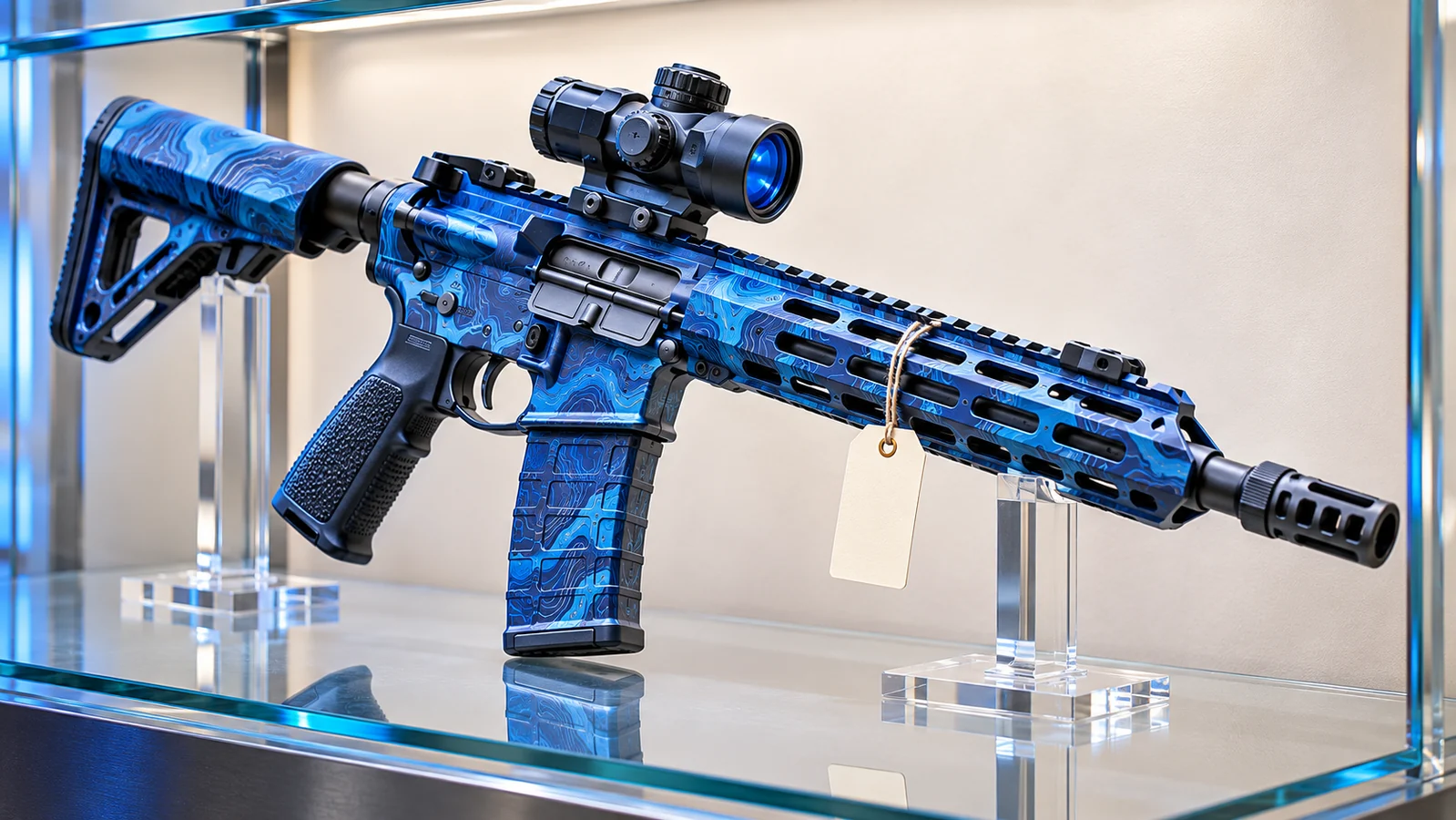
Your base is finished, your gear is ready, and you are about to leave for another monument run. Before heading out, you craft an Assault Rifle and give it a custom finish. It performs just like the standard weapon, but it looks completely different.
That is the appeal of a Rust skin. It gives players a way to personalize the equipment they use every day, from weapons and clothing to garage doors and storage boxes.
However, buying a skin is not quite the same as buying an item you can immediately use in a survival game. Steam inventory ownership, in-game equipment, trading restrictions, and cosmetic compatibility all work differently.
This guide explains how to buy, trade, and use Rust skins without confusing your Steam collection with the items you carry during a wipe.
What Is a Rust Skin?
A Rust skin is a cosmetic design that changes the appearance of a compatible item in Facepunch Studios' multiplayer survival game.
Skins can feature custom textures, colors, patterns, and, in certain cases, alternative item models. They allow players to customize their equipment and bases without replacing the underlying survival mechanics.
Common categories include:
- Weapon skins for rifles, shotguns, pistols, and other weapons.
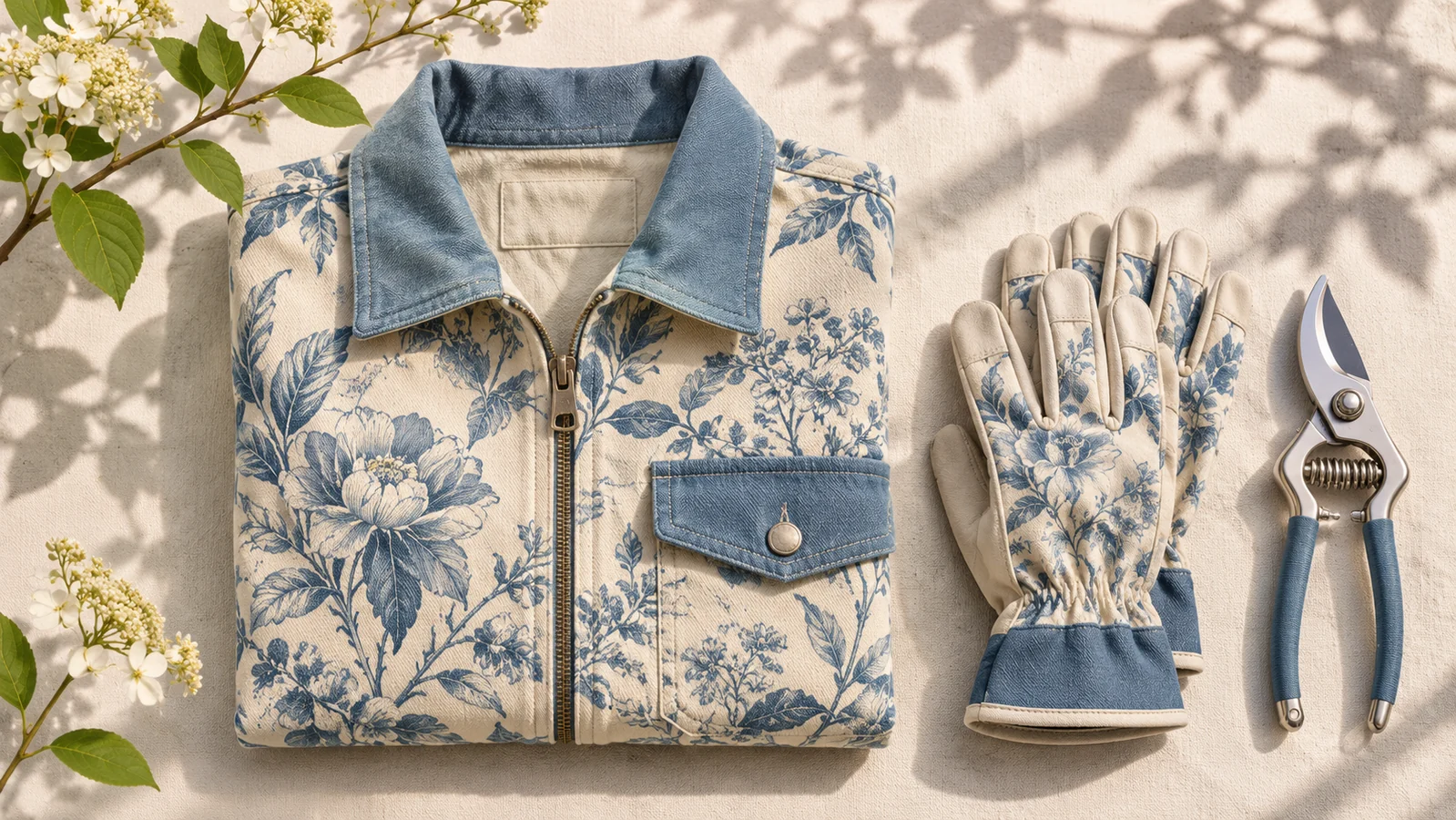
- Clothing and armor designs for different equipment types.
- Tool skins for gathering and crafting equipment.
- Door and storage box skins for base customization.
- Building skin packs that change the appearance of supported structures.
Owning a weapon skin does not automatically give you that weapon. You still need to obtain or craft the compatible item during gameplay.
Your Steam inventory contains the cosmetic entitlement, while your character's inventory contains the actual equipment used on a server.
Where Can You Buy Rust Skins?
The official Rust Item Store and Steam Community Market are two established options for purchasing cosmetic items.
They operate differently, so choosing between them depends on the specific skin you want.
Official Rust Item Store
The Rust Item Store offers cosmetics directly through Steam.
Its selection includes individual weapon skins, clothing, building designs, and themed cosmetic packs.
Some releases are available for limited periods, while others remain in the store for longer.
If you are interested in a newly released design, checking the official store helps you understand its original price and any purchase restrictions.
Before buying a pack, review its contents. A building skin pack may apply to a particular building tier rather than every material in the game.
Steam Community Market
The Steam Community Market allows eligible players to buy and sell marketable Rust inventory items.
Unlike the Item Store, prices are determined by listings from other Steam users.
That means the price of a particular skin can change as supply and demand fluctuate.
Search for the exact item name, inspect the listing, and confirm that the design matches the equipment you want to customize.
Not every Rust cosmetic is marketable. Check the individual inventory description before assuming an item can be resold.
How to Buy Your First Rust Skin
If you are purchasing a skin for the first time, start with an item you regularly use.
A design for your preferred weapon or your main base door will probably see more use than a cosmetic for equipment you rarely craft.
- Open Steam and sign in to your account.
- Visit the official Rust Item Store or Community Market.
- Search for the item you want to customize.
- Check the skin's name, appearance, and compatibility.
- Review the purchase price and any applicable restrictions.
- Complete the transaction through Steam.
- Check your Steam inventory after the purchase.
Some inventory items have temporary trading or market restrictions. These conditions should appear in the item's description.
Check them before purchasing if you expect to trade or sell the skin later.
How to Use a Rust Skin In-Game
After purchasing a compatible skin, you can apply it to equipment you obtain during gameplay.
The exact method depends on whether you are crafting a new item or changing the appearance of something you already own.
Apply a Skin While Crafting
Many craftable items allow you to choose an available cosmetic design through their crafting interface.
Open the crafting menu, find the item you want, and select an owned skin when the option is available.
Craft the item using its normal resource requirements.
The finished equipment will use the selected appearance.
For example, owning an Assault Rifle skin does not remove the need to obtain the weapon's blueprint or crafting materials.
Change an Existing Item with a Repair Bench
A Repair Bench allows you to apply new skins to compatible items you already possess.
Crafting one requires 125 Metal Fragments and a Level 1 Workbench.
Place the bench inside your base, open its interface, and insert the item you want to customize.
Select an available skin and apply it through the interface.
Reskinning is separate from repairing an item's condition. Changing the appearance does not automatically restore its durability.
Use a Spray Can
The Spray Can provides another way to customize compatible equipment.
It can be used to leave tags or reskin supported items.
Equip the Spray Can and use its alternate action to access the reskin function.
The available designs depend on the item and the cosmetics associated with your account.
A Spray Can does not grant permanent ownership of a skin you have not acquired.
How Does Rust Skin Trading Work?
Steam trading allows eligible users to exchange supported inventory items directly with other accounts.
It is important to understand that this is different from exchanging equipment inside a Rust server.
If you give someone a weapon during a wipe, you are transferring the in-game weapon. You are not transferring ownership of the cosmetic skin in your Steam inventory.
A Steam inventory trade, on the other hand, transfers ownership of the eligible inventory items included in the confirmed transaction.
Review the Complete Trade Offer
Check the exact skin names and quantities before accepting a trade.
Some designs have similar names or appearances, which can make mistakes difficult to notice in a small preview.
Make sure every expected item appears on the correct side of the offer.
Verify the Other Steam Account
A display name and profile picture are not enough to establish someone's identity.
Scammers may copy a friend's profile or impersonate a trader to obtain valuable inventory items.
Confirm that you are dealing with the intended Steam account before accepting a transaction.
Avoid Unsupported Payment Arrangements
Steam's trading interface does not support transferring money as part of an item trade.
If someone promises to send payment after receiving your skins, that promise is not protected by the Steam item-trading system.
Do not accept unexpected trade offers, share authentication codes, or send inventory items to an account claiming it needs to verify them.
How Much Is a Rust Skin Worth?
A skin does not have one permanent market value.
Its price can change based on availability, demand, the number of active listings, and how frequently the item is traded.
When evaluating a skin, distinguish between three different figures:
- The price currently requested by sellers.
- The prices at which recent transactions have actually occurred.
- The amount you would receive after applicable marketplace fees.
A single expensive listing does not establish that buyers are willing to pay that amount.
Likewise, the price shown on one third-party platform may differ from the price available through Steam.
If you sell an item on the Steam Community Market, the proceeds are credited to your Steam Wallet. Those funds cannot be withdrawn directly to your bank account.
For players buying skins primarily for personal use, appearance and compatibility may matter more than short-term price changes.
Do Rust Skins Make Weapons Better?
A typical cosmetic weapon skin does not increase its underlying damage, ammunition capacity, or durability.
An expensive rifle design is not automatically stronger than the default version of the same weapon.
However, appearance can have practical implications.
Different colors and patterns may affect how visible equipment appears against certain backgrounds. Some premium cosmetic packs also introduce specialized models or item variants with their own features.
Check the description of a particular product rather than assuming that every cosmetic purchase works identically.
A skin's market price is not a reliable indicator of combat performance.
What Happens to Your Skin When You Die?
Imagine entering a fight with a freshly crafted, customized weapon.
Another player kills you and takes the rifle from your inventory. The weapon is gone, but your Steam inventory skin normally remains yours.
The player who looted the weapon can use that particular skinned item. They do not automatically receive permanent ownership of your cosmetic.
You can apply the skin again when you obtain another compatible weapon.
Ordinary server wipes work similarly. Losing your base and stored equipment does not normally delete the cosmetic skins associated with your Steam account.
Can You Get Free Rust Skins?
Yes. Official Rust Twitch Drops allow eligible players to earn selected cosmetic rewards by watching participating livestreams during promotional campaigns.
To participate, connect your Steam and Twitch accounts through the official Facepunch Twitch Drops website.
Watch an eligible stream, complete the required viewing time, and claim the reward through your Twitch Drops Inventory.
There is an important restriction: Facepunch states that Twitch Drop skins are account-bound and cannot be traded or sold.
Do not confuse free promotional cosmetics with ordinary marketable skins.
Also, never send existing inventory items to someone who claims that a trade is required to unlock a free Drop.
Choosing Skins for Your Rust Base
Weapon skins attract plenty of attention, but base customization can be just as useful for making your time in Rust more enjoyable.
A distinctive garage door can give your entrance a recognizable appearance. Matching clothing can help a team establish a consistent visual identity.
Storage box skins are particularly useful for organizing a crowded base.
Using different designs for ammunition, building materials, medical supplies, and weapons can make it easier to find what you need when time matters.
Before purchasing a building skin, confirm that it supports the structure and material you plan to customize.
The right cosmetic is the one that fits how you actually play, not necessarily the one with the highest listing price.
A direct Steam skin purchase transfers an item; a jackpot or coinflip can instead end in a loss. Rustnecro offers Rustpot jackpot and Rustflip coinflip for eligible adults; outcomes can lose the value put at risk.
Frequently Asked Questions
What is a Rust skin?
A Rust skin is a cosmetic design for a compatible item in Facepunch Studios' survival game. It can change the appearance of weapons, clothing, tools, doors, and other supported equipment.
Where can I buy Rust skins?
You can purchase available cosmetics through the official Rust Item Store or buy eligible inventory items from other users through the Steam Community Market.
How do I apply a Rust skin?
Select an owned skin while crafting a compatible item, or use a Repair Bench or Spray Can to reskin supported equipment you already possess.
Can I trade every Rust skin?
No. Some items have trading restrictions, and official Twitch Drop skins are account-bound. Check the item's Steam inventory description before attempting a trade.
Do I lose my Rust skin if someone takes my weapon?
No. Losing a skinned weapon during gameplay does not normally remove the underlying cosmetic from your Steam inventory.
Can I withdraw money from selling skins on Steam?
No. Steam Community Market sales provide Steam Wallet funds, which cannot be withdrawn directly to a bank account.
Final Thoughts
A Rust skin can make familiar equipment feel more personal, whether you are carrying a customized rifle, organizing storage boxes, or building a base with a consistent visual style.
Understanding how cosmetics work makes the experience straightforward. Buy compatible items through established channels, review trading restrictions, and use the game's crafting and reskinning tools to apply your collection.
Most importantly, keep your Steam inventory separate in your mind from the equipment you risk during a wipe. Your weapon may disappear after a bad fight, but the skin you own can be waiting for the next one.