Rust Skins: Buying, Trading and Using Skins
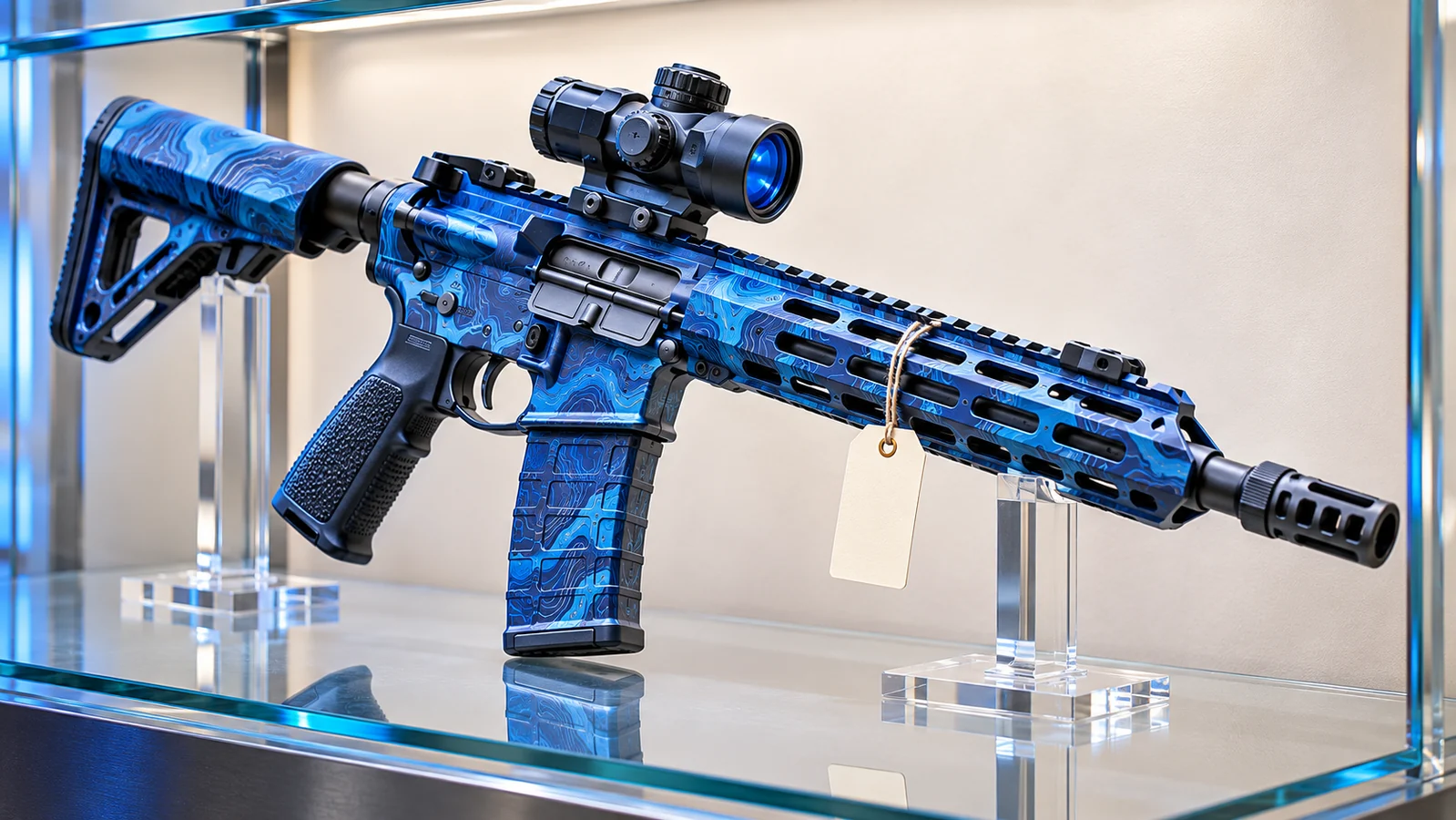
There is something satisfying about returning to your Rust base and seeing a collection of weapons, armor, and storage boxes that actually look like they belong to you. Your Assault Rifle might have a weathered industrial finish, while your doors and clothing follow an entirely different theme.
Rust skins let you personalize the survival experience without changing its fundamental rules. They can make equipment more recognizable, give a base a distinctive appearance, and turn ordinary items into part of a personal collection.
But buying your first skin is only the beginning. Understanding where skins come from, how Steam trading works, and how to apply your collection can help you avoid unnecessary purchases and protect your inventory.
This guide explains the essentials of buying, trading, and using Rust skins in the Steam survival game.
What Are Rust Skins?
Rust skins are cosmetic designs that change the appearance of compatible items in Facepunch Studios' multiplayer survival game.
They can be applied to different types of equipment, including weapons, tools, clothing, armor, doors, and storage containers.
For example, a player might customize an Assault Rifle, decorate their base with matching Sheet Metal Doors, or use distinctive Large Wood Box skins to identify different storage areas.
Owning a skin does not automatically give you the corresponding weapon or equipment. You still need to obtain or craft the underlying item during gameplay.
Your collection is associated with your Steam inventory, while the weapons and equipment you use on a server belong to that particular game world.
Where Can You Buy Rust Skins?
There are two established Steam-based options for purchasing Rust cosmetics: the official Rust Item Store and the Steam Community Market.
They serve different purposes, so understanding the distinction is useful before making a purchase.
1. Official Rust Item Store
The official Rust Item Store sells cosmetic items and other content made available through Steam.
Its selection includes individual skins, themed packs, and building customization options.
The available selection changes over time, and some releases are offered for limited periods.
Before purchasing, check which underlying item the skin is designed for. A skin made for one weapon cannot necessarily be applied to a different weapon.
Also check whether the item is tradable or marketable. Not every purchase has the same inventory restrictions.
2. Steam Community Market
The Steam Community Market allows eligible users to buy and sell marketable Rust inventory items.
Unlike the official Item Store, the Community Market includes listings created by other Steam users.
Prices can vary according to availability, demand, and the number of active listings.
If you have a particular skin in mind, search for its exact name and confirm that it is compatible with the item you want to customize.
Check the total purchase price and any applicable fees before completing the transaction.
How to Buy Rust Skins on Steam
Buying a skin through Steam is straightforward, but it is worth checking a few details before spending your balance.
- Open Steam and sign in to your account.
- Visit the official Rust Item Store or Community Market.
- Search for the skin you want.
- Confirm its name, appearance, and compatible item.
- Review the price and any applicable restrictions.
- Complete the purchase through Steam's normal checkout process.
- Check your Steam inventory to confirm that the item has been added.
Some purchases may be subject to temporary trading or market restrictions.
Read the item's inventory description for its specific conditions rather than assuming that every Rust skin can be immediately resold or transferred.
How to Use Rust Skins In-Game
Once you own a compatible skin, you can use it to customize supported equipment.
There are several ways to apply skins, depending on the item and the situation.
Apply a Skin While Crafting
Many craftable items allow you to select an available skin through their crafting interface.
Open the crafting menu, choose the item you want to create, and select the appropriate design if a skin option is available.
Craft the item normally using the required resources.
The finished equipment will use the selected appearance.
Remember that purchasing a skin does not remove the normal crafting requirements. You still need the relevant blueprint, workbench, and materials where applicable.
Change Skins with a Repair Bench
A Repair Bench can apply different skins to compatible equipment you already possess.
Crafting a Repair Bench requires 125 Metal Fragments and a Level 1 Workbench.
Place the bench inside your base, open its interface, and insert the item you want to customize.
Select an available compatible skin and apply it through the interface.
Changing an item's appearance is separate from repairing its condition. A cosmetic change does not automatically restore lost durability.
Use a Spray Can
The Spray Can provides another way to customize supported items.
It can be used to apply available skins to compatible equipment and to place tags.
Equip the Spray Can and use its alternate action to access the reskin function.
The available options depend on the item and the skins associated with your account.
Unlike purchasing a skin, using a Spray Can does not grant permanent ownership of a new cosmetic design.
How Does Rust Skin Trading Work?
Steam trading allows eligible users to exchange supported inventory items with other players.
This is different from looting equipment during a Rust wipe.
A Steam inventory trade transfers eligible inventory items between accounts, while an ordinary in-game exchange transfers physical items inside a particular server.
Before accepting a Steam trade, carefully review the items being sent and received.
Check the Exact Item
Some skins have similar names or appearances. A trade involving the wrong design may not be immediately obvious from a small inventory preview.
Inspect the complete item name and description before confirming.
Verify the Other Account
Impersonation is a common problem in online trading.
Someone may copy a friend's profile picture, name, or public profile details to appear trustworthy.
Verify that you are trading with the intended account rather than relying on its display name alone.
Keep the Entire Exchange in One Trade
Steam's trading recommendations warn against arrangements involving unsupported payment methods or separate promises of payment.
A person claiming that they will send money after receiving your skin is asking you to take a risk that Steam's item-trading interface cannot protect against.
Review every trade confirmation carefully and avoid transferring items based on promises made outside the transaction.
Can You Sell Rust Skins for Real Money?
The Steam Community Market allows eligible users to sell marketable skins for Steam Wallet funds.
Those funds can be used for eligible purchases on Steam, but they cannot be withdrawn directly to a bank account through the Community Market.
This distinction matters when evaluating the apparent value of an inventory.
A skin's Steam Market price is not necessarily equivalent to the amount you could receive outside Steam.
Third-party marketplaces may have their own fees, withdrawal conditions, and security risks.
Always distinguish between a listed price, a completed sale, and money that can actually be withdrawn.
Do Rust Skins Affect Gameplay?
Most ordinary Rust weapon and equipment skins are cosmetic. Purchasing a more expensive paint design does not automatically increase a weapon's damage or durability.
However, appearance can still matter in practical situations.
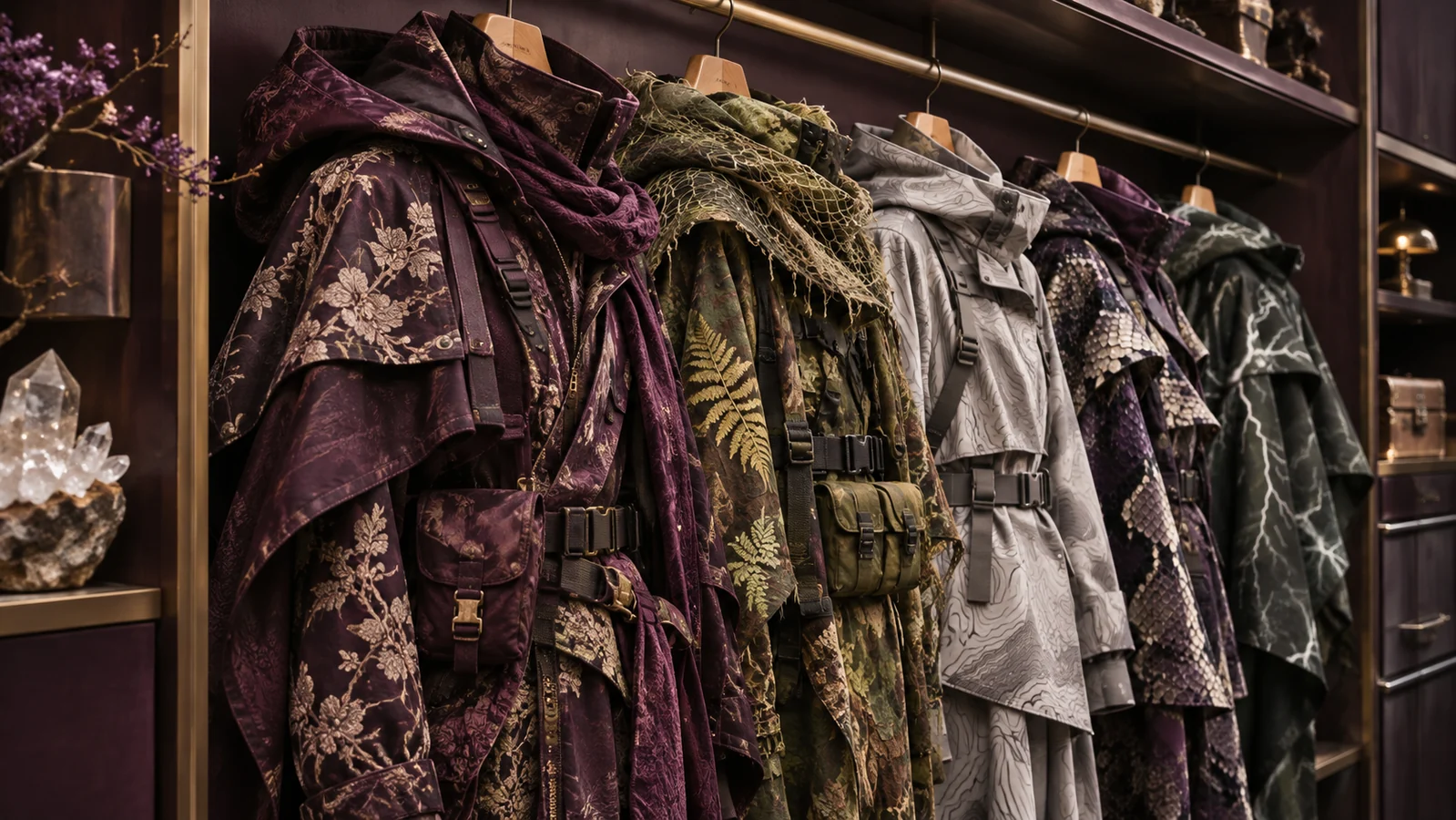
A bright outfit may be easier to spot against a forest background, while a darker design may blend differently into certain environments.
Some premium cosmetic packs also include specialized visual models or item variants, so check their individual descriptions rather than assuming every cosmetic product works identically.
Facepunch's skin submission guidelines specifically consider whether designs could make equipment difficult to identify or confuse one armor tier with another.
A skin's price should not be mistaken for a measurement of combat effectiveness.
What Happens to Your Skins When You Die or a Server Wipes?
One of the most common misunderstandings concerns the difference between your Steam inventory and your equipment inside a Rust server.
Imagine crafting an Assault Rifle and applying a skin you own.
If another player kills you and takes that rifle, you lose the physical weapon from that server.
You do not normally lose ownership of the underlying Steam inventory skin simply because the weapon was looted.
The other player can use the looted weapon, including its current appearance, but that does not transfer your Steam inventory skin to their account.
The same distinction applies to ordinary server wipes.
When a server resets its map, your in-game base and stored equipment may disappear. Your owned Steam inventory cosmetics are not normally deleted by that server reset.
You can use your eligible skins again when you obtain compatible items in a new wipe.
How to Choose Rust Skins for Your Base
Not every cosmetic purchase needs to be about weapons.
Base customization is a substantial part of Rust's skin ecosystem, and practical considerations can influence which designs you choose.
Use Different Storage Box Designs
Distinctive box skins can help separate ammunition, medical supplies, building materials, and weapons.
Recognizable designs may make it easier to find resources quickly, especially in a base shared by several players.
Coordinate Your Doors and Building Style
Matching door skins and compatible building finishes can give your base a consistent appearance.
Before buying a building skin pack, check which building materials and pieces it supports.
Some cosmetic packs are designed for particular building tiers rather than every structure in the game.
Choose Designs You Actually Enjoy
Rust skin prices fluctuate, and a rare-looking design is not guaranteed to retain its market value.
If your main reason for buying a cosmetic is personalizing your character or base, choose something that fits your preferences and budget.
There is no need to build an expensive collection to enjoy the game's customization options.
Buying or trading a cosmetic through Steam is different from risking its value in a chance-based game. Rustnecro offers Rustpot jackpot and Rustflip coinflip for eligible adults; outcomes can lose the value put at risk.
Frequently Asked Questions
Where can I buy Rust skins safely?
The official Rust Item Store and Steam Community Market are established Steam-based options. Verify that you are using the genuine Steam website before signing in or completing a purchase.
How do I equip a Rust skin?
For supported items, select an owned skin during crafting or apply it to existing equipment through a Repair Bench. A Spray Can can also reskin compatible items.
Can I trade Rust skins with other players?
Yes, provided the items are tradable and your Steam account meets the applicable trading requirements. Some items may have temporary or permanent restrictions.
Do I lose my Rust skins when someone kills me?
You can lose the skinned weapon or equipment you are carrying, but ordinary in-game looting does not transfer ownership of your underlying Steam inventory skin.
Do Rust skins disappear after a wipe?
Ordinary server wipes remove in-game progression according to the server's configuration. They do not normally delete cosmetic items owned in your Steam inventory.
Can I withdraw Steam Market sales to my bank account?
No. Steam Community Market sales provide Steam Wallet funds, which cannot be withdrawn directly to a bank account through Steam.
Final Thoughts
Rust skins add another layer of personalization to a game already built around player choice.
Whether you want a distinctive weapon, a matching armor set, or a more organized base, understanding how cosmetics work makes it easier to build a collection that suits your preferences.
Use official Steam channels when appropriate, check item restrictions before buying or trading, and protect your account with Steam Guard and careful trade confirmations.
Most importantly, remember that the value of a skin is separate from your ability to survive. A carefully chosen inventory can make your equipment feel personal, but gathering resources, building a secure base, and making good decisions are still what keep you alive on the island.