Rust Item Shop: Skins, Packs and Store Items
You have finally secured your base, crafted a decent weapon, and collected enough resources to survive another day. Everything works, but your equipment still looks exactly like it did when you first started playing.
That is where the Rust Item Shop comes in.
Facepunch Studios offers a selection of weapon skins, building designs, clothing, and premium packs that let players personalize their experience. Some items change the appearance of equipment you already use, while others introduce additional customization options or specialized content.
But not every shop item works the same way. Some cosmetics can be traded, others are permanently tied to your account, and certain packs offer features beyond a simple visual change.
This guide explains how the official Rust Item Shop works, what you can buy, and how to make sense of Steam's different cosmetic systems.
What Is the Rust Item Shop?
The Rust Item Shop is the official storefront for cosmetics and selected premium content associated with Facepunch Studios' multiplayer survival game.
It is available through Steam and features a selection of items designed for the original Rust game.
You can browse the official Rust Item Store to see currently available skins, building packs, and other products.
The shop includes different types of content, such as:
- Weapon skins for compatible firearms and tools.
- Clothing and armor customization.
- Building skins and themed construction packs.
- Decorative objects and storage customization.
- Premium packs with additional cosmetic or gameplay-related features.
The available selection can change, and some items have limited availability.
Always check a product's description before purchasing, especially if you intend to trade or resell it later.
What Can You Buy in the Rust Item Shop?
The official store offers more than individual weapon designs. Some of its most recognizable products change the way your base looks, while others introduce themed equipment or decorations.
Weapon Skins
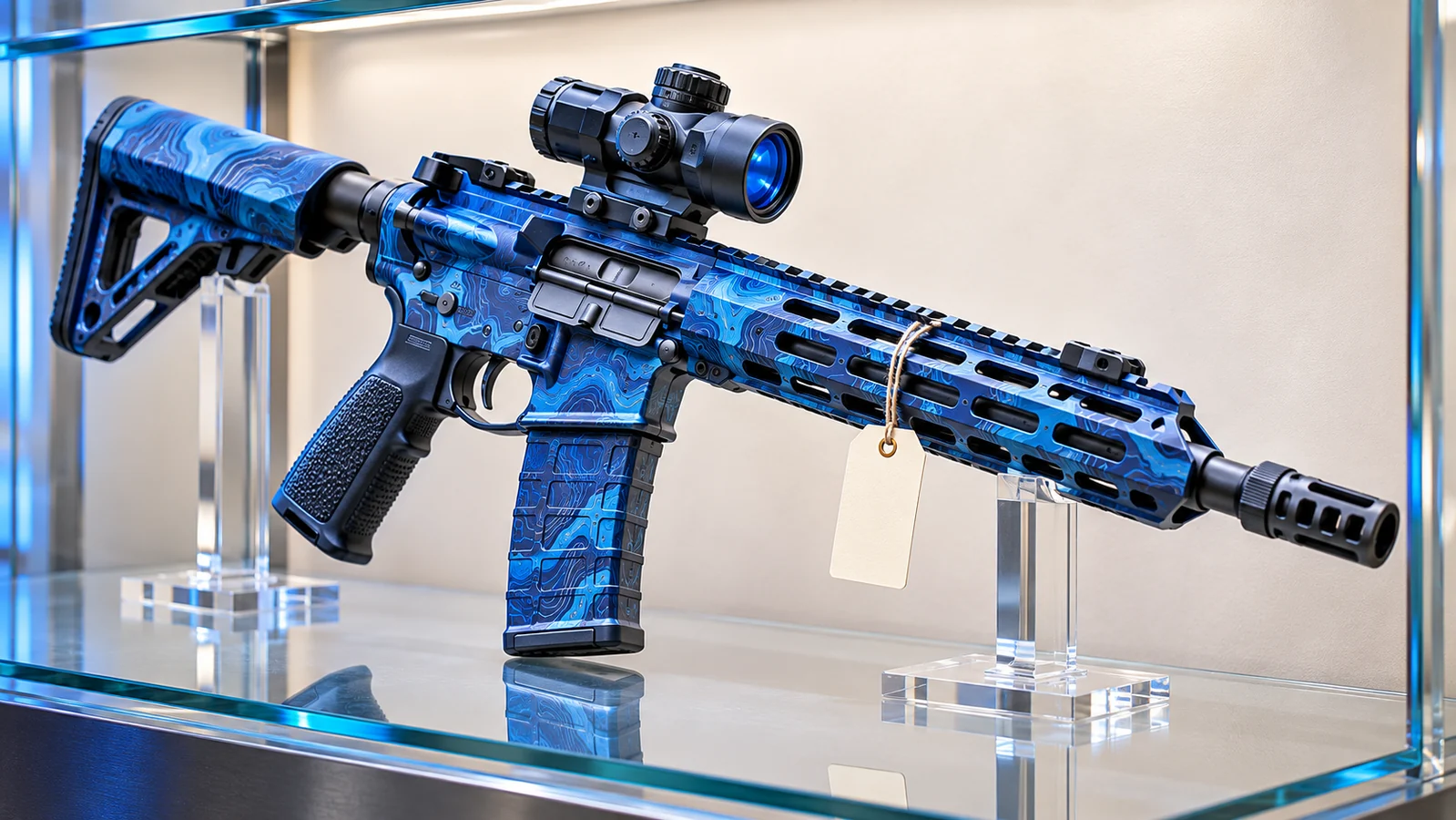
Weapon skins are a familiar part of Rust's cosmetic system.
They allow players to customize the appearance of compatible weapons without needing to obtain an entirely different weapon type.
For example, you might choose a weathered industrial design for your Assault Rifle or a colorful finish for a weapon you frequently use.
A skin does not automatically grant you the underlying weapon. You still need to acquire or craft the corresponding item during gameplay.
Check compatibility carefully. A design intended for one weapon cannot necessarily be applied to another.
Building Skins and Construction Packs
Building customization is an important part of the Rust Item Shop.
The store offers building designs such as Adobe, Brick, and Brutalist, allowing players to create bases with different architectural styles.
These products can change the appearance of supported building pieces while preserving the underlying construction system.
Before buying a building pack, check which material tier and structures it supports.
Owning a building skin does not provide unlimited building materials or remove ordinary upkeep requirements.
Clothing and Equipment Packs
Some premium packs include multiple related items or specialized equipment designs.
The Arctic Pack is a useful example. It includes an Arctic Hazmat Suit, an Ice Assault Rifle skin, and a Tomaha Snowmobile skin.
The Arctic Hazmat Suit also changes the balance between cold and radiation protection compared with the standard Hazmat Suit.
This is an important reminder that not every premium product is purely cosmetic.
Always review the individual item description rather than assuming that all shop content has identical gameplay characteristics.
Decorations and Base Accessories
Rust's permanent store also includes items that allow players to personalize their bases.
Depending on the available selection, you may find decorative furniture, storage accessories, electrical items, and other themed products.
These are especially interesting for players who enjoy building long-term settlements or creating distinctive interiors.
Some products also offer practical functionality, so check their individual specifications and crafting requirements before purchasing.
Rust Item Shop vs. Steam Community Market
The Rust Item Shop and Steam Community Market are separate purchasing systems.
Understanding the difference is essential if you want to collect, trade, or eventually sell skins.
Official Rust Item Shop
The official store sells items directly through Steam.
Some skins are offered for a limited period, while the permanent store provides a selection of products that remain available for purchase.
Facepunch states that products sold through the permanent store are not tradable or resellable on the Steam Community Market.
This means purchasing a permanent-store item should not be confused with acquiring an item you can later sell.
Steam Community Market
The Steam Community Market allows eligible users to buy and sell marketable Rust inventory items.
Prices are determined by listings from other Steam users rather than a fixed price set by Facepunch.
A particular weapon skin might cost more or less than its original store price depending on availability and market demand.
However, not every Rust inventory item can be listed.
Check each item's trading and market restrictions before buying it with the intention of selling it later.
How to Buy Items from the Rust Shop
Purchasing an item through the official store is straightforward.
The most important part is confirming that the product offers what you actually want.
- Open Steam and sign in to your account.
- Visit the official Rust Item Store.
- Browse the available skins, packs, and other items.
- Select a product and read its description.
- Check compatibility, contents, and trading restrictions.
- Review the price and complete the purchase through Steam.
- Check your Steam inventory or the relevant in-game customization options.
The purchase process and how the content becomes available can differ between individual skins, permanent-store unlocks, and DLC-style packs.
If you cannot immediately locate an item, check the product description and any instructions provided by Steam or Facepunch.
How to Use Purchased Rust Skins
After buying a compatible skin, you can apply it to supported equipment in the Steam version of Rust.
There are several ways to customize items.
Apply Skins While Crafting
Many craftable items allow you to select an available skin through their crafting interface.
Open the crafting menu, select the item, and choose an owned design when the option is available.
You must still have the necessary resources, blueprint, and workbench where applicable.
The resulting item will use your selected appearance.
Use a Repair Bench
A Repair Bench can apply available skins to compatible equipment you already possess.
It requires 125 Metal Fragments and a Level 1 Workbench to craft.
Place the bench inside your base, open its interface, and insert the item you want to customize.
Select the appropriate skin and apply it.
Changing the appearance of equipment is separate from restoring its durability.
Use a Spray Can
The Spray Can provides another customization option for supported items.
It can be used to leave tags and apply available skins to compatible equipment.
Equip the Spray Can and use its alternate action to access the reskin function.
The available designs depend on the item and the cosmetics associated with your account.
Are Rust Item Shop Purchases Permanent?
Purchased cosmetic entitlements are generally associated with your Steam account rather than a single Rust server.
For example, if you buy a weapon skin and apply it to a rifle, losing that rifle in a fight does not normally remove your ownership of the underlying cosmetic.
You can use the skin again when you obtain another compatible weapon.
Likewise, an ordinary server wipe removes in-game progression according to the server's rules but does not normally delete cosmetics owned through Steam.
However, the actual weapon, door, or other item you created inside the server can still be lost or destroyed.
Owning a cosmetic is not the same as permanently owning the physical equipment you use during gameplay.
Can You Trade or Sell Rust Item Shop Purchases?
It depends on the specific item.
Rust's permanent-store products are account-bound and cannot be traded or resold through Steam's marketplace.
Other eligible cosmetic inventory items may support trading or market listings, subject to their individual restrictions.
To check an item, open your Steam inventory and read its description.
If you sell a marketable skin through Steam, the proceeds are credited to your Steam Wallet.
Steam Wallet funds cannot be withdrawn directly to a bank account through the Community Market.
Be cautious of third-party websites promising guaranteed resale values or asking you to send items to an unfamiliar account.
How to Choose Items That Fit Your Rust Playstyle
The shop contains a variety of products, but not every purchase will be equally useful to every player.
Think about how you spend your time in Rust before choosing what to buy.
For Solo Players
Consider cosmetics for equipment you use frequently, such as your preferred weapons, tools, or clothing.
A skin that matches your everyday equipment is likely to see more use than a design for an item you rarely obtain.
For Base Builders
Building skins, decorative items, and storage customization may be more relevant.
A coordinated building style can make your base feel distinctive without requiring an enormous compound.
Check upkeep and construction requirements before planning around a particular building pack.
For Collectors
Pay attention to availability and item restrictions.
Some limited-release skins may be marketable, while permanent-store products can have restrictions that prevent resale.
Price alone is not a guarantee of future value.
If collecting is your main interest, understanding what you actually own is just as important as choosing a design you like.
Can You Get Free Rust Skins?
Not every Rust cosmetic requires a direct purchase.
Facepunch periodically organizes official Twitch Drops campaigns that allow eligible players to earn selected skins by watching participating livestreams.
To participate, connect your Steam and Twitch accounts through the official Rust Twitch Drops website.
Watch an eligible stream during an active campaign, complete the viewing requirement, and claim the reward through Twitch.
These promotional rewards have their own account and trading restrictions.
Be careful with websites promising unlimited free skins. Official Twitch Drops do not require you to send your existing inventory items to another player.
A Rust item shop sells cosmetics at a stated price, unlike a game with an uncertain result. Rustnecro offers Rustpot jackpot and Rustflip coinflip for eligible adults; outcomes can lose the value put at risk.
Frequently Asked Questions
What is the official Rust Item Shop?
The Rust Item Shop is Facepunch Studios' official Steam storefront for selected skins, cosmetic packs, building designs, and premium content associated with the Rust survival game.
Where can I buy Rust skins?
You can purchase available cosmetics through the official Rust Item Store or buy eligible marketable inventory items through the Steam Community Market.
Are Rust Item Shop skins tradable?
Not all of them. Facepunch states that permanent-store products cannot be traded or resold. Other items may have different restrictions, so check the individual Steam inventory description.
Do Rust skins disappear after a server wipe?
Ordinary server wipes do not normally delete cosmetic entitlements associated with your Steam account. However, physical weapons and equipment stored inside the server may be removed during a wipe.
Can I buy a weapon directly from the Rust Item Shop?
Buying a weapon skin does not automatically provide the corresponding weapon during gameplay. You still need to acquire or craft the underlying item.
Do premium Rust packs affect gameplay?
Some packs provide more than a visual change. For example, the Arctic Pack includes a suit with different cold and radiation protection characteristics. Check each product's description for its specific features.
Can I withdraw money from selling Rust skins on Steam?
No. Steam Community Market sales provide Steam Wallet funds, which cannot be withdrawn directly to a bank account through Steam.
Final Thoughts
The Rust Item Shop provides several ways to personalize your survival experience, from individual weapon skins to building designs and themed equipment packs.
The important distinction is understanding what each purchase includes and whether it can be traded, resold, or used with your existing equipment.
Check the official store, read the individual product descriptions, and keep your Steam inventory separate from the items you risk during a wipe.
A customized rifle may look different, and a carefully designed base may feel more personal, but surviving Rust still depends on how you gather, build, and handle the players around you.