Rust Item Store: Skins, Prices & Buying Guide
You've finally upgraded your Rust base, organized your loot, and crafted a weapon worth taking into a fight. The equipment works perfectly, but you want something that feels a little more personal. Maybe it's a new Assault Rifle skin, a distinctive Garage Door, or an entirely different look for your compound.
The Rust Item Store is where many players begin exploring the game's cosmetic collection. It offers weapon designs, clothing, building skins, and premium content that can change how your equipment and base look.
However, there is an important difference between buying a limited-release skin, purchasing a permanent-store pack, and acquiring an item through the Steam Community Market.
This guide explains how the official Rust Item Store works, what you can buy, how to compare prices, and how to use your purchases during a server wipe.
What Is the Rust Item Store?
The Rust Item Store is the official storefront for cosmetic items and selected premium content associated with Facepunch Studios' multiplayer survival game.
It operates through Steam and offers products designed for the original PC version of Rust.
The store features individual skins, themed packs, base decorations, and other items that allow players to customize their survival experience.
You can browse the official Rust Item Store to see the current selection.
Although many products are cosmetic, some premium items introduce additional functionality or alternative equipment characteristics. Always check the individual product description before purchasing.
How Does the Rust Item Store Work?
The store organizes its products into different sections, making it easier to distinguish new releases from items that remain available for longer periods.
Featured Items
The Featured section highlights selected products, including newly released cosmetics and current weekly skins.
This is a useful place to check when you want to see what Facepunch has recently added.
The selection changes over time, so an item displayed today may not remain featured indefinitely.
Limited Items
Limited releases are offered for a particular period rather than remaining permanently available.
Some of these skins are created by community artists and become eligible for Steam trading or market sales under their applicable item restrictions.
A limited release does not guarantee that an item will become rare or valuable. Its future market price depends on factors such as supply and demand.
General Store
The General section contains products from Rust's more permanent selection.
These include various building skins, themed packs, decorations, and other premium content.
Facepunch has stated that permanent-store products cannot be traded or resold on the Steam Community Market.
That makes them different from many traditional marketable skins.
Permanent availability also does not guarantee that every product will remain on sale forever. Facepunch may discount or discontinue items.
What Can You Buy in the Rust Item Store?
The store contains several types of products, each serving a different purpose for players who enjoy customizing their equipment and bases.
Weapon Skins
Weapon skins change the appearance of compatible firearms and other weapons.
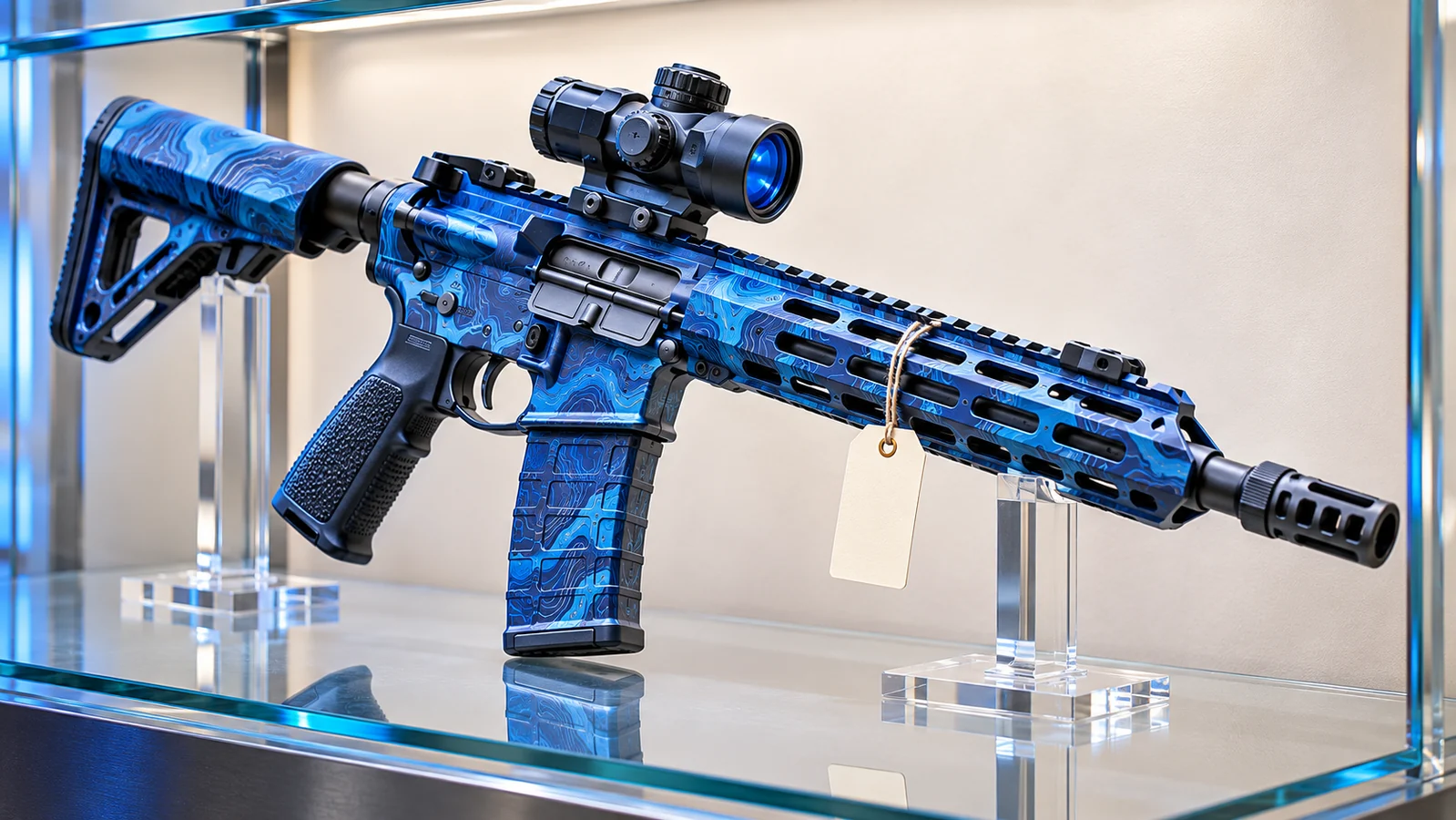
A player might choose a worn industrial finish for an Assault Rifle, a colorful design for an MP5, or a distinctive skin for a weapon they regularly use during monument runs.
Buying a skin does not automatically provide the underlying weapon.
You must still obtain or craft the compatible item through normal gameplay.
For ordinary cosmetic weapon skins, the appearance does not increase the weapon's damage or ammunition capacity.
Building Skins
Building skins allow players to change the appearance of supported structural pieces.
Rust offers different architectural styles, including Adobe, Brick, and Brutalist designs.
These products can give your base a distinctive appearance without requiring you to abandon the game's normal building system.
Check which construction tier a pack supports before purchasing.
A building skin for one material cannot necessarily be applied to another, and cosmetic ownership does not eliminate normal building costs or upkeep requirements.
Clothing and Armor
Clothing and armor cosmetics are popular among players who want their equipment to follow a consistent theme.
Some designs offer a subtle appearance, while others feature bright colors or unusual patterns.
Most ordinary skins change an item's appearance rather than its underlying statistics.
However, certain premium packs include equipment variants with different characteristics. Review the product description to understand exactly what you are purchasing.
Decorations and Base Accessories
Not every Rust purchase needs to be something you carry into combat.
The store also offers decorative items and accessories that can make a base feel more personal.
Players who enjoy building may be interested in lighting, furniture, storage customization, and themed interior designs.
Some products have interactive or practical features, while others are primarily decorative.
Check the crafting requirements and functionality before planning your base around a particular item.
Rust Item Store vs. Steam Community Market
The Rust Item Store and Steam Community Market serve different purposes.
The official Item Store sells products directly through Steam. The Community Market allows eligible players to buy and sell marketable inventory items listed by other Steam users.
Understanding this distinction is particularly important if you expect to trade a skin later.
| Feature | Rust Item Store | Steam Community Market |
|---|---|---|
| Seller | Official storefront | Other Steam users |
| Available items | Current skins and premium products | Eligible marketable inventory items |
| Pricing | Store prices | User-created listings |
| Resale | Depends on the product category | Depends on item eligibility |
| Purchase method | Steam checkout | Steam Wallet |
For example, a skin originally offered as a limited release may later appear on the Community Market if it is marketable.
A permanent-store building pack, on the other hand, may remain tied to the purchasing account and cannot be resold.
Always check the specific product's restrictions instead of assuming that every Rust item works identically.
How to Buy Rust Skins from the Official Store
Buying an item is straightforward once you know which cosmetic you want.
- Open Steam and sign in to your account.
- Visit the official Rust Item Store.
- Browse the Featured, Limited, or General sections.
- Choose a skin or pack that interests you.
- Read its description and check item compatibility.
- Review the price and applicable trading restrictions.
- Complete the purchase through Steam.
- Check your Steam inventory or the relevant in-game unlocks.
Some products are delivered as inventory items, while others provide access to content or functionality associated with your account.
If you cannot find a purchase in your inventory, check the product's description to see how its content becomes available.
How to Compare Rust Skin Prices
Before purchasing a skin, it can be useful to check whether the same design is available through another official Steam purchasing option.
For marketable skins, compare the current Item Store price with listings on the Steam Community Market.
Pay attention to the exact item name. Similar-looking designs may be separate products with different prices and restrictions.
A market listing also does not establish an item's guaranteed value.
Consider the difference between an asking price and a completed sale. A seller may list an item for a high amount without finding a buyer.
Remember that Steam Community Market sales provide Steam Wallet funds. Those funds cannot be withdrawn directly to a bank account.
If you only want to use a particular cosmetic, buying the exact skin avoids the uncertainty associated with randomized containers.
How to Equip Items Purchased from the Rust Store
Once you own a compatible cosmetic, you can use it with supported equipment inside the Steam survival game.
The method depends on the type of item.
Apply a Skin While Crafting
Many craftable items allow you to select an available skin before completing the crafting process.
Open the crafting menu, choose the appropriate item, and select your owned design when the option is available.
You must still provide the required resources and meet any applicable crafting requirements.
Change Skins with a Repair Bench
A Repair Bench allows players to apply available skins to compatible equipment they already possess.
Place the item into the bench, select the desired design, and complete the reskinning process.
Changing an item's appearance is different from repairing its durability. A new cosmetic does not automatically restore a damaged weapon.
Use a Spray Can
The Spray Can offers another way to customize supported equipment.
It can be used to place tags or reskin compatible items using available designs.
Equip the Spray Can and use its alternate action to access the reskin function.
Owning a Spray Can does not grant permanent access to cosmetics you have not purchased or otherwise obtained.
Do Rust Item Store Purchases Survive Server Wipes?
Yes. Cosmetic entitlements associated with your Steam account are generally separate from the equipment stored on individual Rust servers.
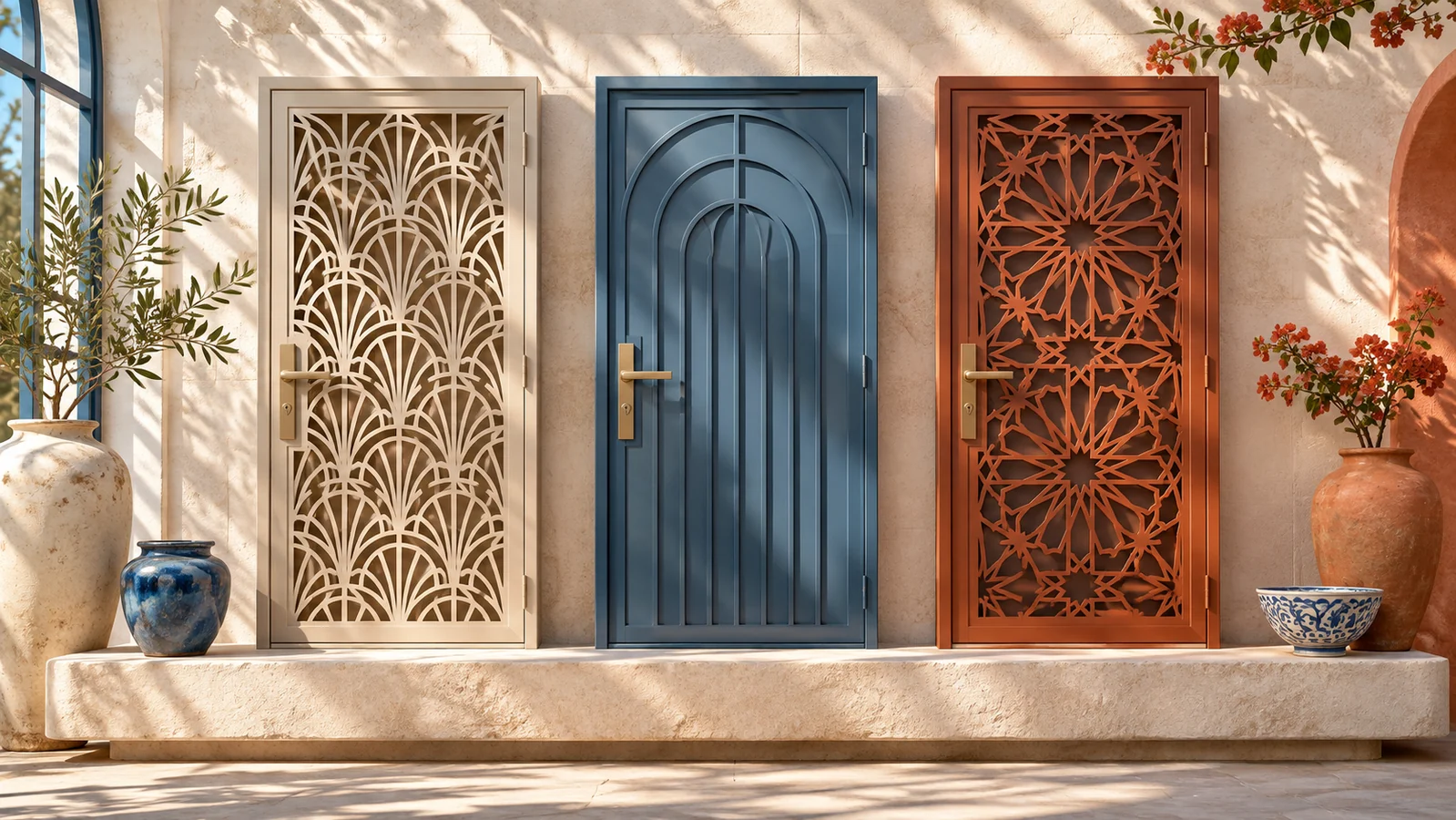
Imagine purchasing a Garage Door skin and applying it to your base.
If another player destroys the door, you lose that particular in-game structure. You do not normally lose ownership of the cosmetic itself.
The same distinction applies during an ordinary server wipe.
Your base and stored resources may disappear, but your purchased Steam cosmetics remain associated with your account.
You can use eligible designs again when you obtain the appropriate equipment during a new wipe.
Can You Trade Rust Item Store Skins?
Trading eligibility depends on the item.
Facepunch's permanent-store products are not tradable or resellable through Steam.
Some limited-release cosmetics may support trading or market sales, subject to their individual conditions.
Before accepting a trade, inspect the item's name and description in Steam.
Verify the other account and carefully review the complete trade offer.
Never send your skins to someone claiming they need to verify your inventory or unlock a purchase.
Steam Guard and careful trade confirmations are important tools for protecting your collection.
A direct item-store purchase fixes a skin's price, while a player contest has an uncertain result. Rustnecro offers Rustpot jackpot and Rustflip coinflip for eligible adults; outcomes can lose the value put at risk.
Frequently Asked Questions
What is the official Rust Item Store?
The Rust Item Store is Facepunch Studios' official Steam storefront for weapon skins, clothing, building designs, decorations, and selected premium content.
Where can I find the Rust Item Store?
You can access the official store at store.steampowered.com/itemstore/252490/.
How often does the Rust Item Store update?
Rust regularly introduces new cosmetics, including weekly skin releases. Permanent-store products follow a different availability model, and individual items may be added or discontinued over time.
Are Rust Item Store skins permanent?
Purchased cosmetic entitlements generally remain associated with your Steam account. Losing a skinned weapon or experiencing an ordinary server wipe does not normally remove ownership of the underlying cosmetic.
Can I sell Rust Item Store skins?
It depends on the product. Permanent-store items cannot be resold or traded, while certain eligible limited-release skins may be sold through the Steam Community Market.
Do Rust skins improve weapon damage?
Ordinary cosmetic weapon skins do not increase a weapon's damage or ammunition capacity. Some premium products have additional features, so check their individual descriptions.
Can I use Rust skins without owning the game?
You may be able to acquire eligible Steam inventory items before playing, but you need access to the game to use the cosmetics on compatible equipment during gameplay.
Final Thoughts
The Rust Item Store offers several ways to personalize your experience, whether you want a new weapon design, a themed armor set, or a different appearance for your base.
Understanding the store's Featured, Limited, and General sections makes it easier to identify what is available and how different products work.
Before purchasing, check compatibility, pricing, and trading restrictions. Keep your Steam inventory secure, and remember that cosmetic ownership is separate from the equipment you risk during a wipe.
Your base might disappear overnight, but the designs you have collected can still be part of your next beginning.